Starter
BasicFor teams new to AI, mainly document collaboration
- Personal AI workspace
- AI-powered collaboration
- Online documents
- AI governance
- Visual agent builder
HardwareNo discrete GPU · Tower or rack
Prove it with one team first: scope agreed, process recorded, outcome measured against the baseline recorded before the pilot starts. After four to six weeks, decide whether to stop, adjust or expand.
Pricing by team size and deployment
For teams new to AI, mainly document collaboration
HardwareNo discrete GPU · Tower or rack
For sales, pre-sales, support and consulting teams needing local voice and task collaboration
HardwareRTX 4000 Ada · 20GB VRAM
For meetings, voice and high-security environments: law, medical, R&D and government teams
HardwareRTX A6000 · 48GB VRAM · Dual redundant PSU 1200W+ · 4U rack
The three tiers differ in hardware and available capabilities. Specific pricing is calculated by team size, configuration and deployment. Model usage is billed per the selected channel. Contact us for a quote.
Details are confirmed in the formal proposal
Hardware setup, initial configuration and platform management settings.
Administrator and pilot member training, LAN or remote access configured for your network.
Free first-year operations · 3-year manufacturer onsite warranty · Annual license renewal · Permanent use after 3-year payment.
Four steps, each with a clear output. No pilot without acceptance criteria.
Product scope and boundaries
Ready-to-use functions, configuration-dependent controls and environment-dependent capabilities are listed separately.
Available now
Configuration-dependent
Different agents support permission prompts differently; configured for the deployment in use.
Environment-dependent
Being callable is not the same as a stable interface or commercial license. Check each item before delivery.
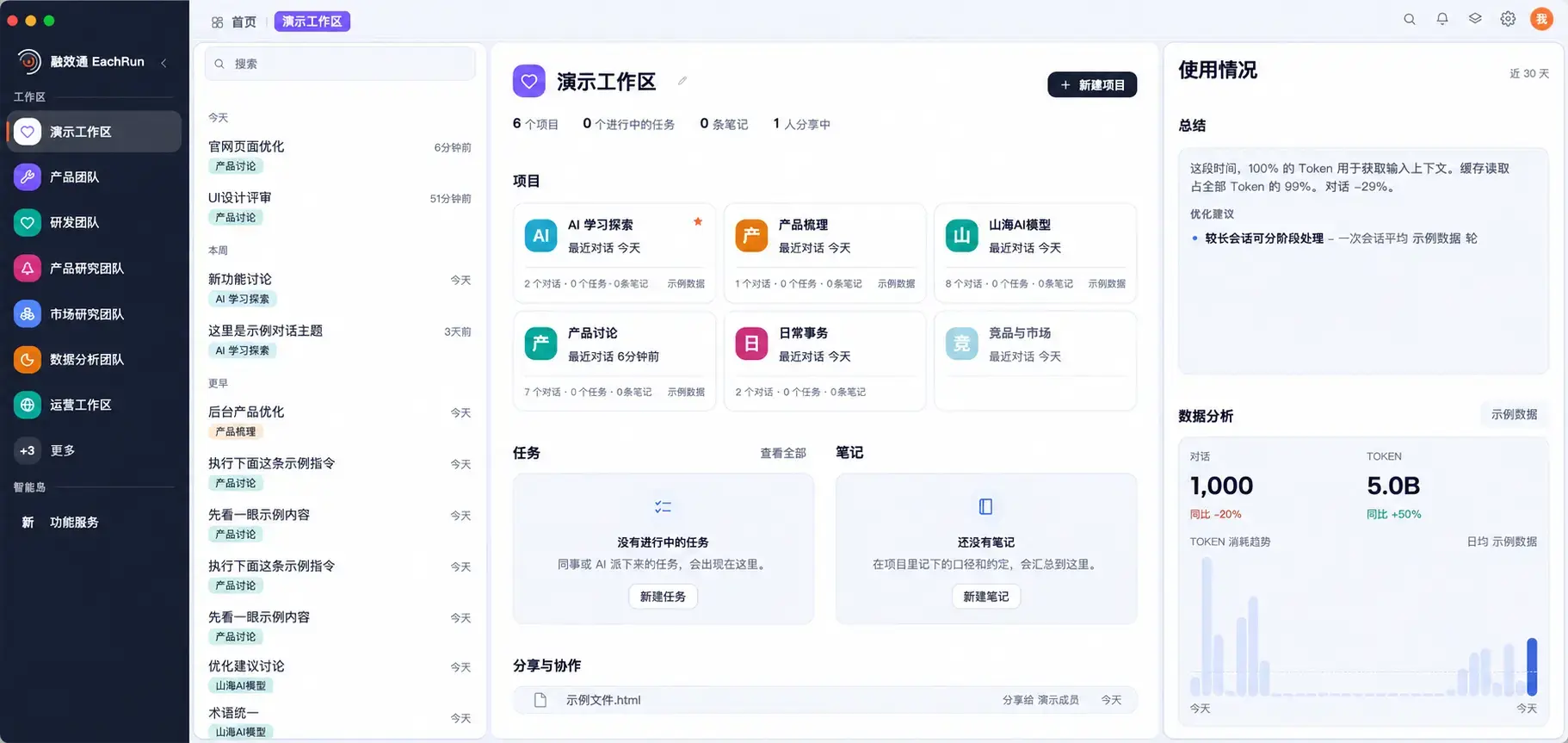
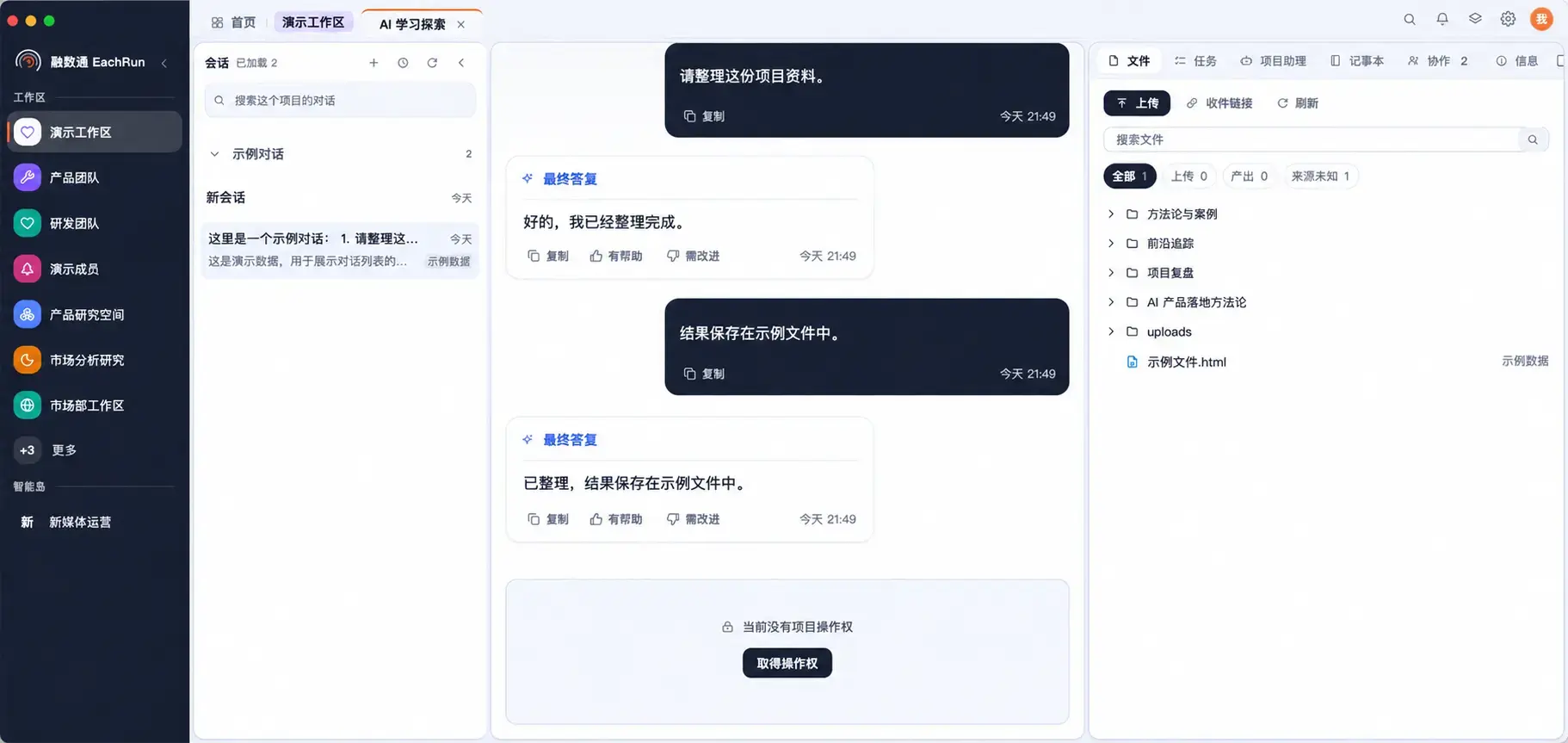
Desktop and web client